Precious Metals Suite Widgets
16 modules — usable everywhere.
Price tables, live charts, calculators and more — in the desktop app, on your smartphone and in the browser.
Try the configurator
Choose a module, customise it, see it live — just like in your account, but here to try without signing in.
Save your widget to your dashboard to manage it and view statistics.
Configurable on every module
These options apply to all modules — set via the visual configurator with live preview.
Design & Colours
Light, dark or "custom colours" with six freely choosable tones: background, text, accent, muted, positive green and negative red.
Language
Choose the module language freely — independently of your device language.
Heading
Show or hide the heading, alignment (left / centre / right) and a custom heading text.
Help Text
Show or hide the help button — with a ready-made default text or your own (rich text with bold, lists etc.).
Source & Data
Show or hide the source attribution and choose the price source: minute-by-minute spot or LBMA PM Fix.
Custom Defaults
Set the default currency and metal — and decide whether the user can switch directly within the module.
Every module multiple times — each with its own settings
One module, as many variants as you like: create the same module as often as you have placements — each instance with its own selection, language and design.
The same module, multiple times
A price table with gold & silver only, next to a full table with all metals, plus a chart — the same module as many times as you like, each configured differently.
Different settings per instance
Each instance with its own metal and currency selection, its own source (spot or LBMA), its own heading and its own columns.
Language & design per module
One module in English, another in French — light, dark or custom colours, tailored to each placement.
In your account you manage all your modules in one place — each assigned to an integration.
All 16 modules in detail
The 16 modules are available in the desktop app, the mobile app and the browser extension — selection and settings are identical everywhere.
Price Table
All metals as a table — per ounce, gram and kilogram, with daily change.
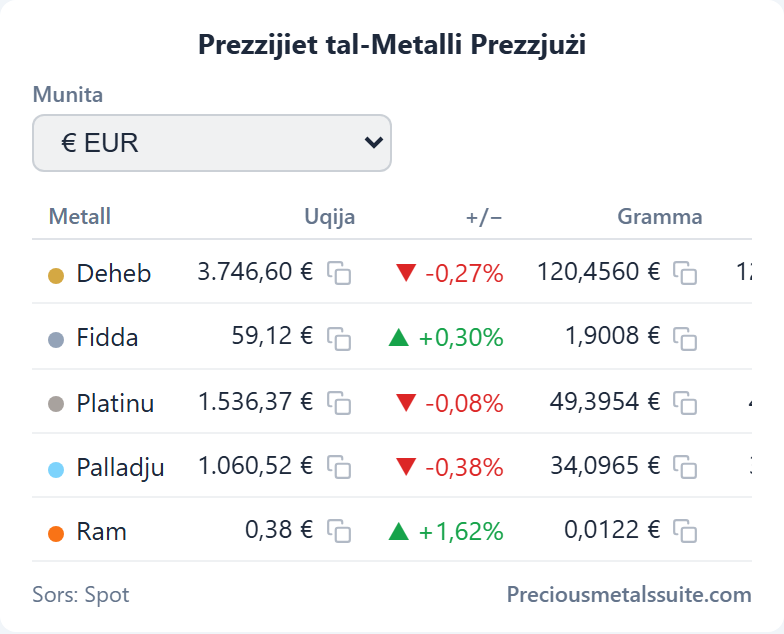
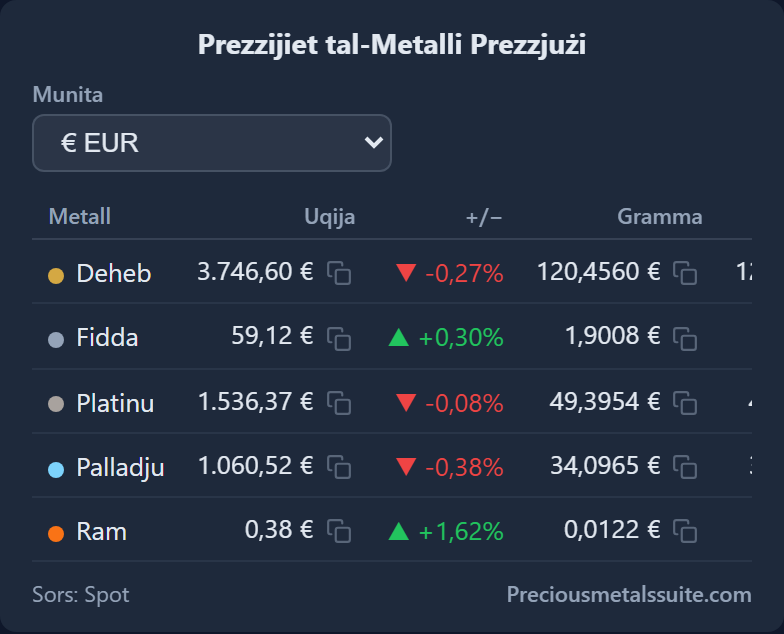
- Displayed metals individually selectable (Gold, Silver, Platinum, Palladium, Copper)
- Show/hide columns: daily change, gram price, kilogram price
- Price source: spot price or LBMA PM Fix
- Show/hide currency selector
Price Card
A single metal as a compact card — optionally with a mini chart.
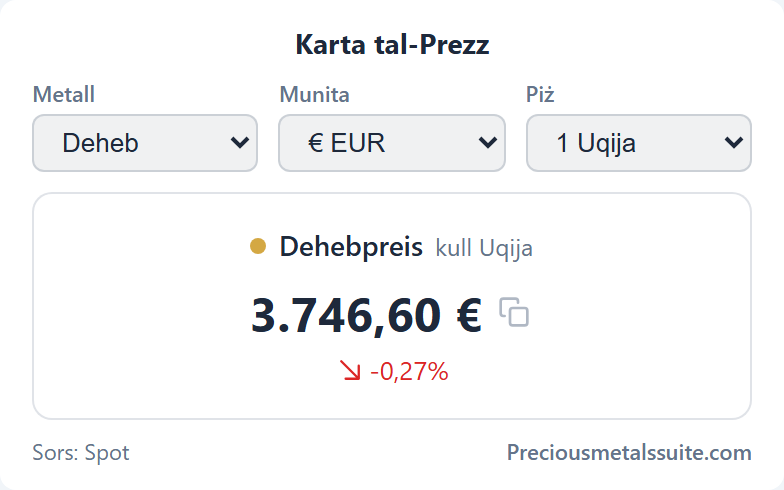
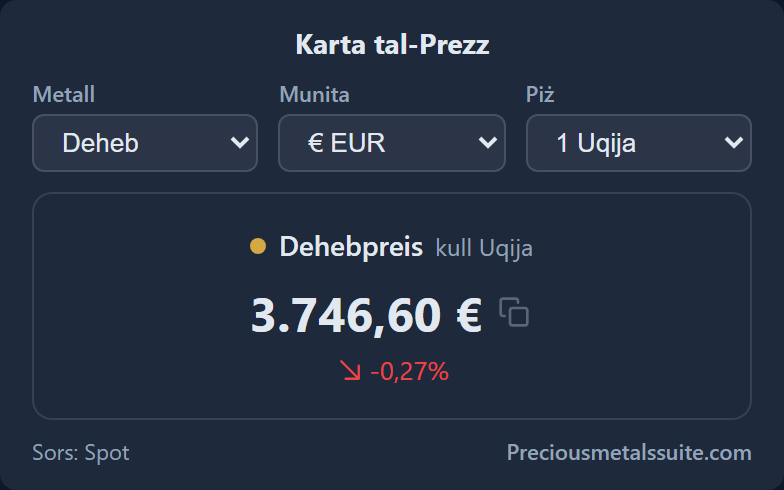
- Default weight: 1 ounce, 1 gram or 1 kilogram
- Show daily change and optional price history chart
- Chart period: today, week, month, year
- Selectors: metal, currency, weight, period
- Price source: spot or LBMA
Price Band
A slim ticker bar for headers, footers or sidebars.
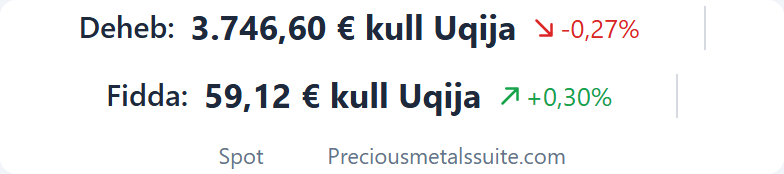
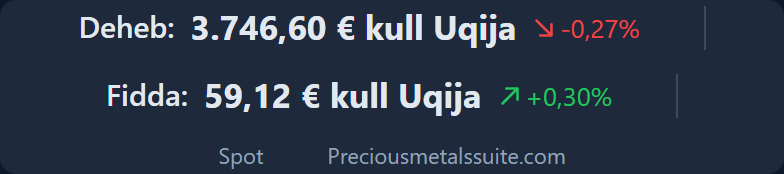
- Displayed metals selectable (default: Gold & Silver)
- Alignment: left, centre, right
- Show daily change
- Chart on click: single/all, direction (up/down), period
- Price source: spot or LBMA
Chart
Price history as a line chart for today, week, month or year.
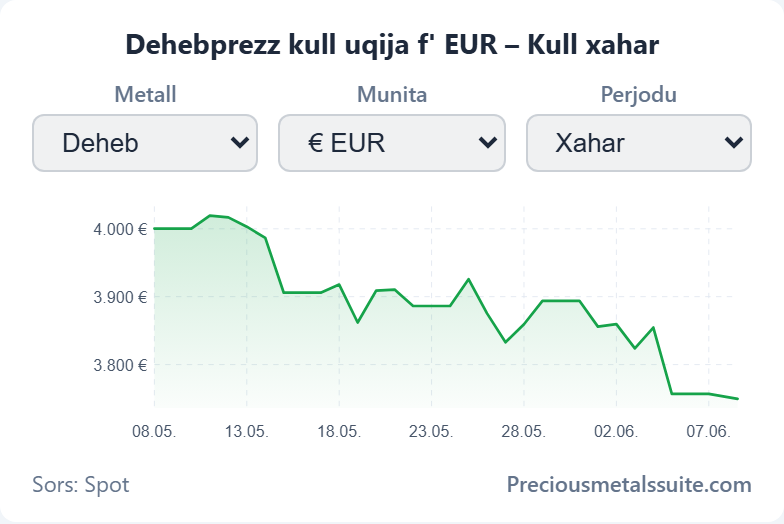
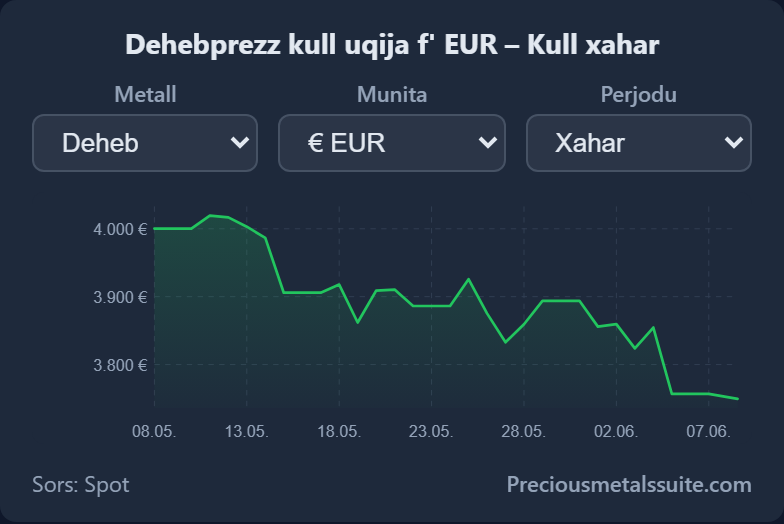
- Default period: today, week, month, year
- Selectors: metal, currency, period
Fear & Greed
Market sentiment from 0 to 100 — how fearful or greedy the market is.
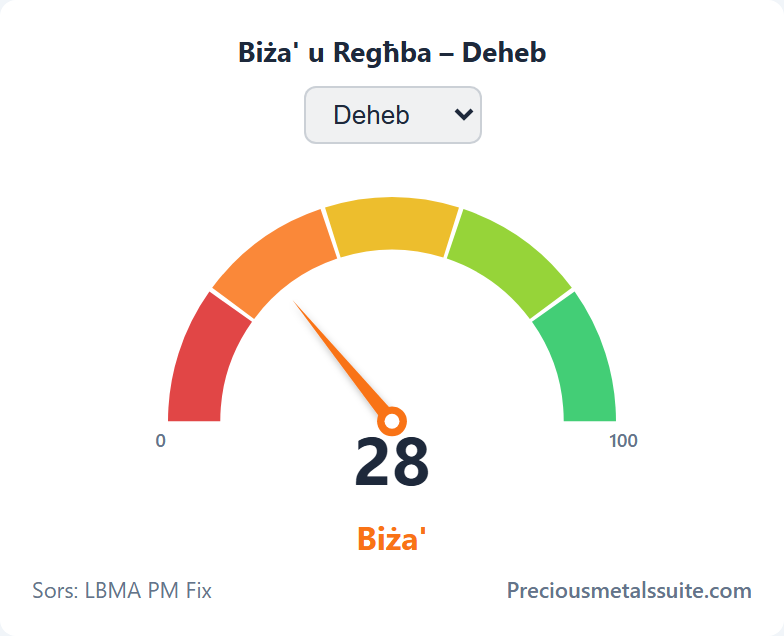
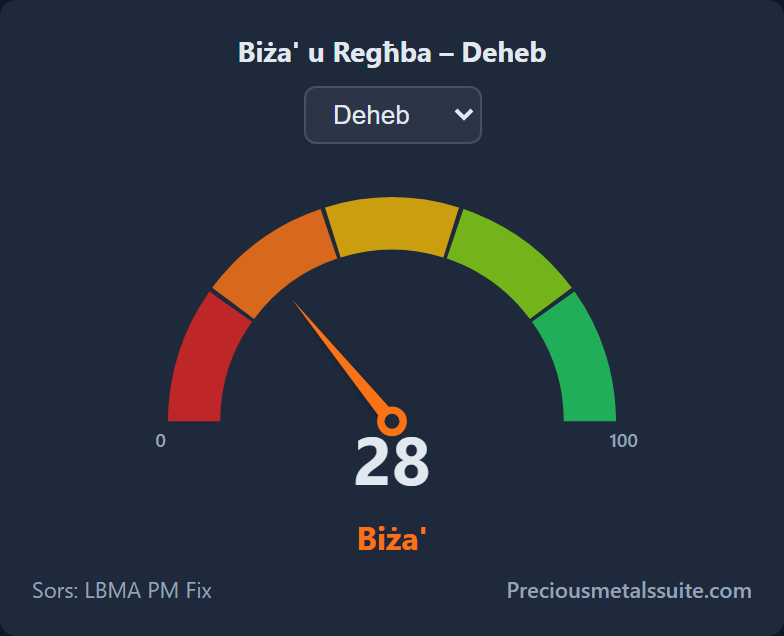
- Display: gauge (semicircle with needle) or bar
Performance
Daily returns of a metal over one year — as a calendar heatmap.
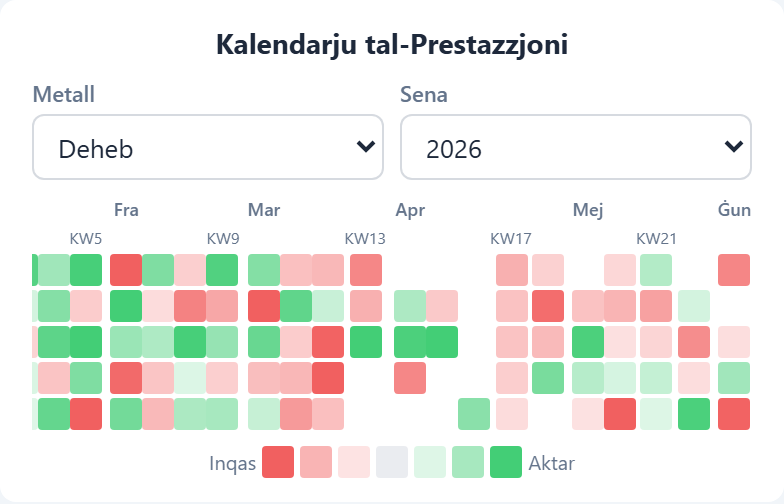
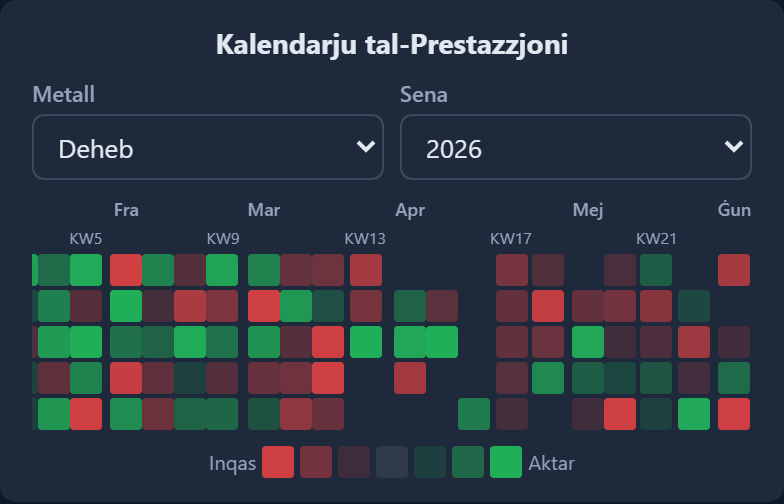
- Display: heatmap calendar or table
- Default year (last 10 years)
- Heatmap cell size (8–28 px)
Seasonality
Average monthly returns — reveals seasonal patterns.
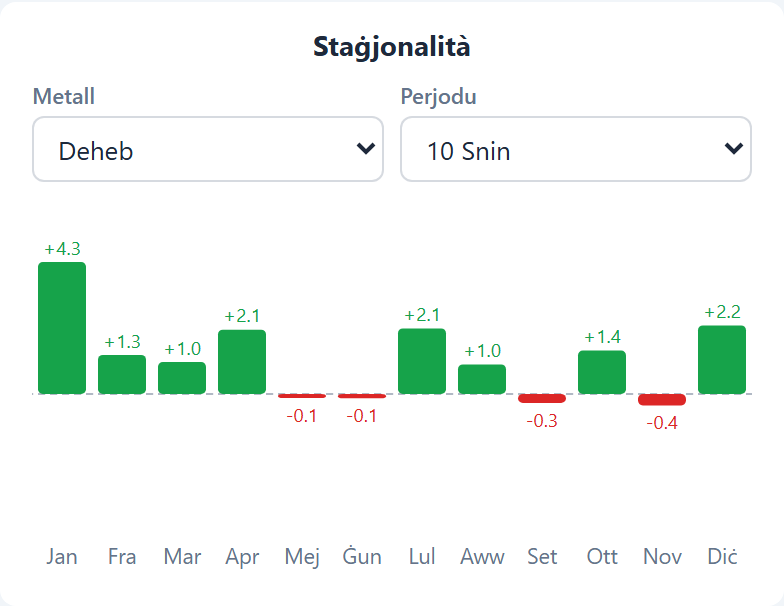
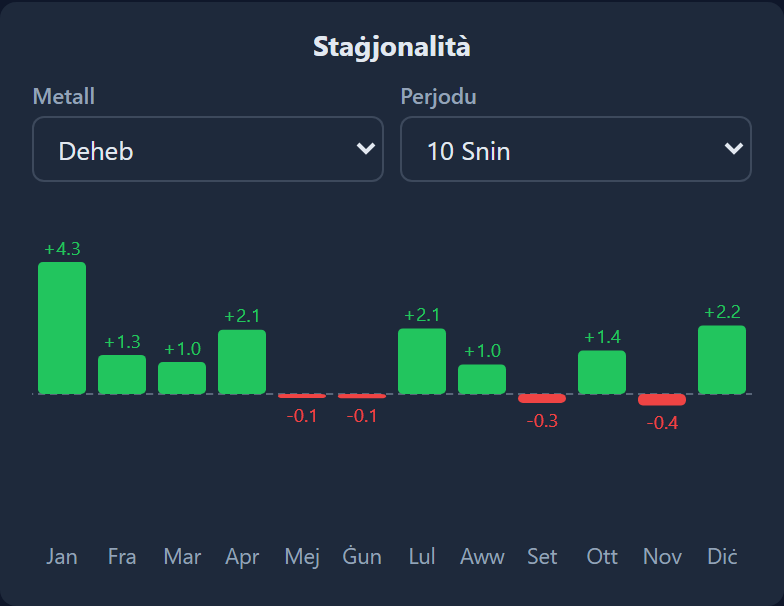
- Display: chart or table
- Default period: 1, 5, 10, 20 years or all
- Selectors: metal, period
Ratios
Price ratios between metals (Gold/Silver, Gold/Platinum, Gold/Palladium).
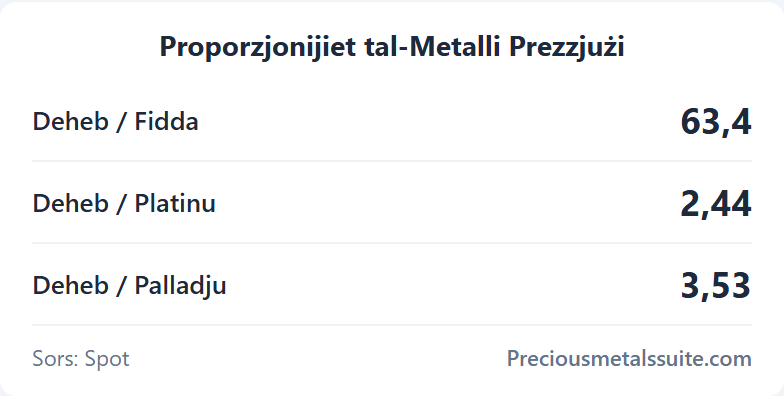
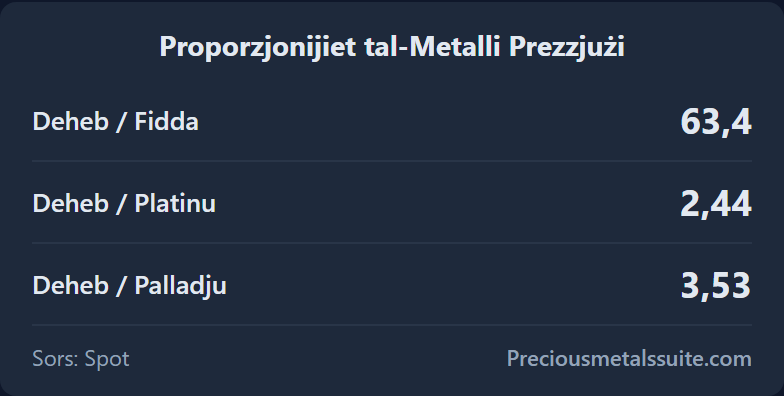
- Uses global settings: heading, source, help, design
Gold/Silver Ratio
The gold/silver ratio with historical context.
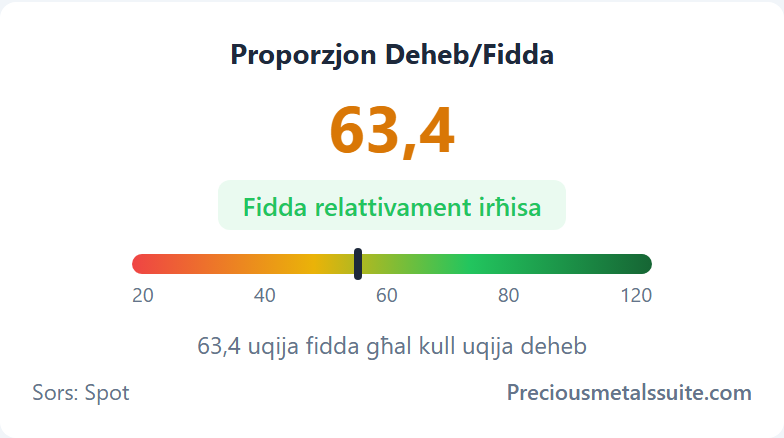
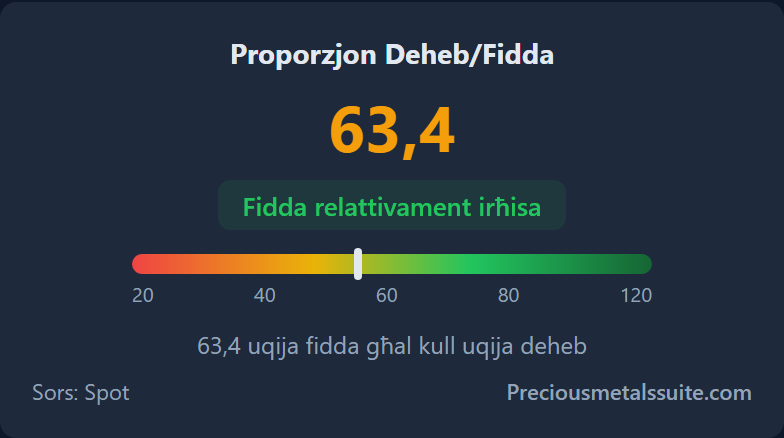
- Price source: spot or LBMA
- Plus all global settings
Exchange Rates
EUR/USD, EUR/CHF and EUR/GBP — live.
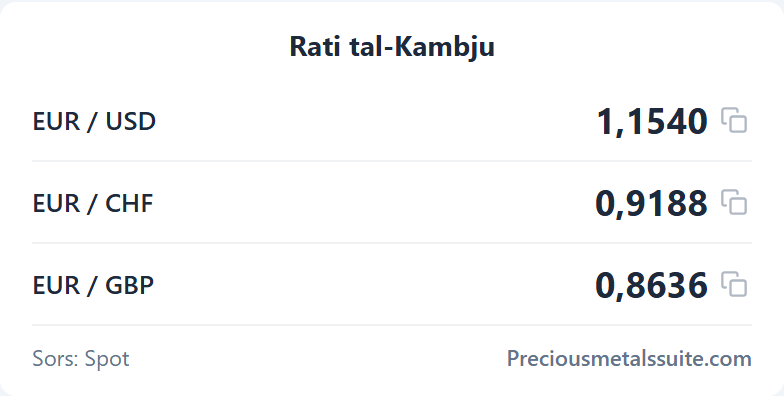
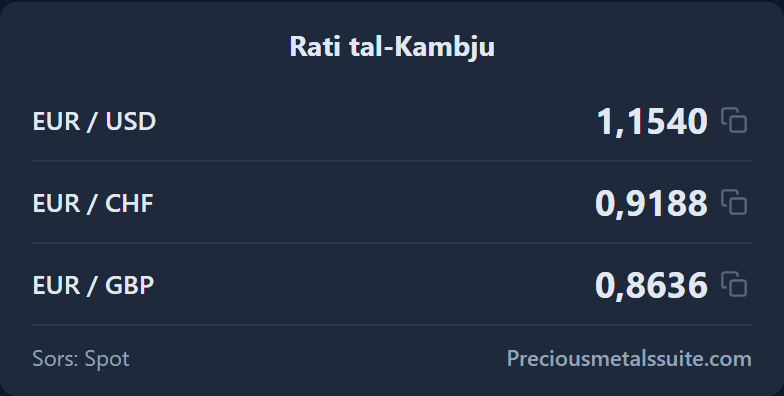
- Uses global settings: heading, source, help, design
Precious Metal Calculator
Material value by weight and fineness — for any metal.
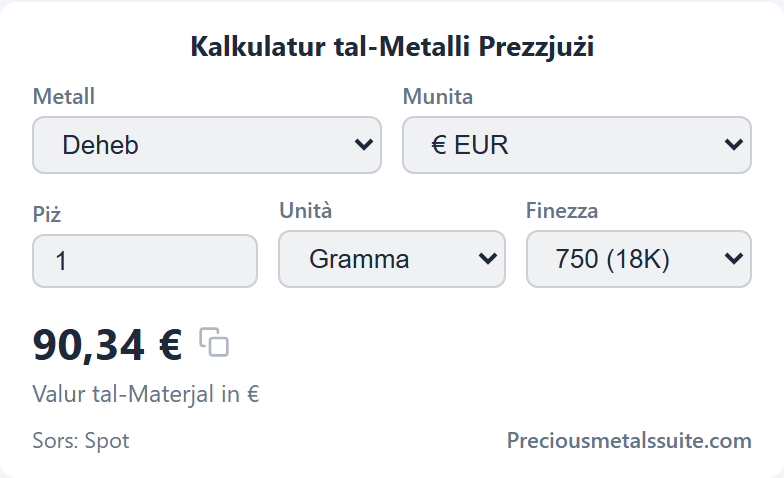
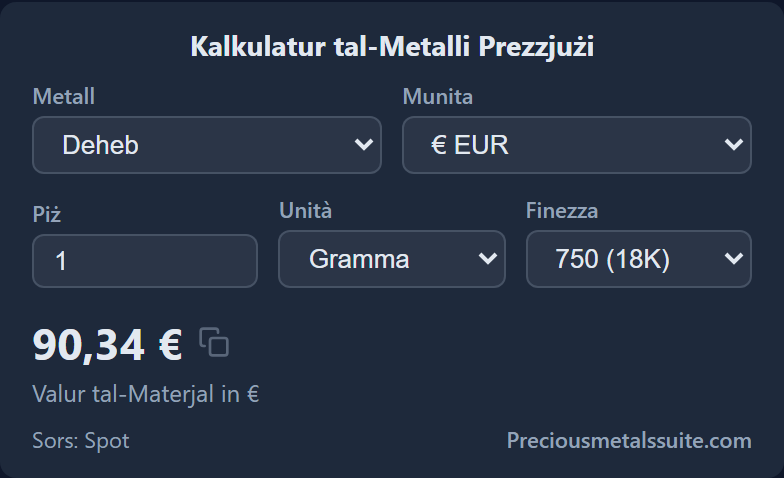
- Defaults: weight, unit (g/oz/kg), fineness per metal
- Selectors: metal, currency, unit, fineness
- Price source: spot or LBMA
Buy-Back Calculator
Buy-back price based on market price minus margin.
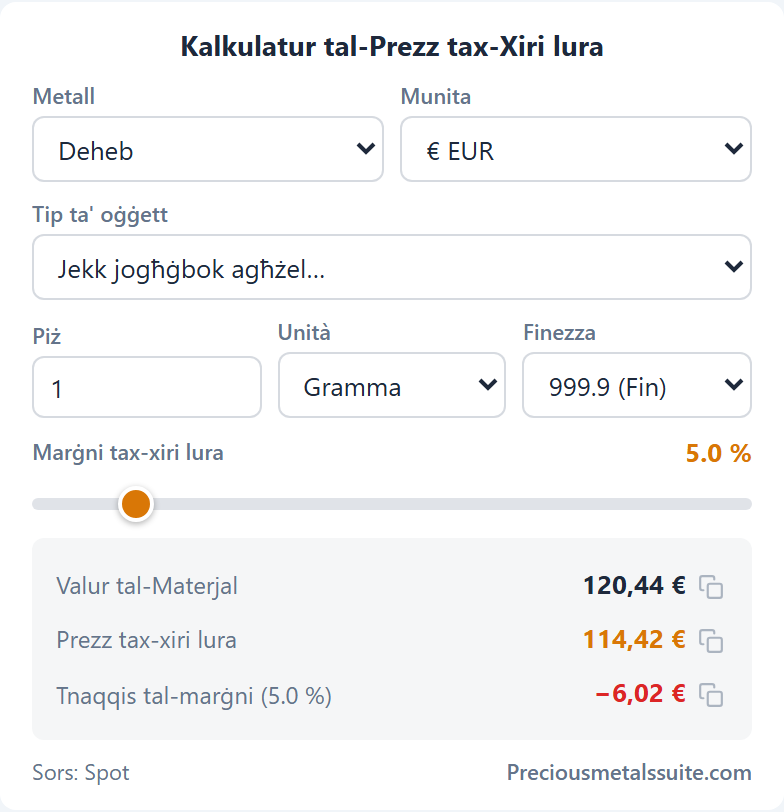
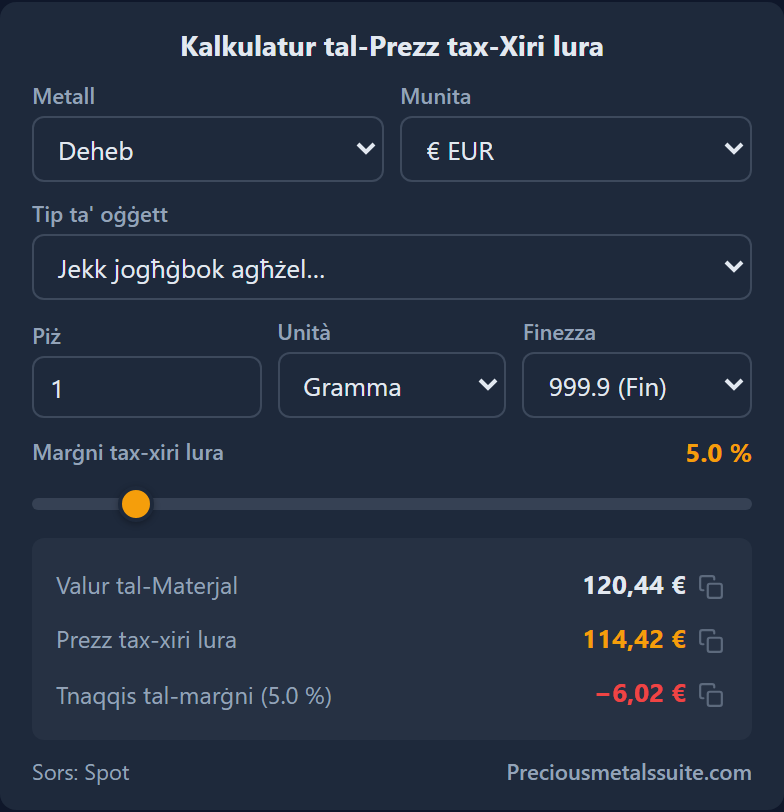
- Defaults: weight, unit, buy-back margin (%)
- Selectors: metal, currency, unit, fineness, item type
- Price source: spot or LBMA
Tax Estimator
Tax treatment of a sale under § 23 EStG (German income tax).
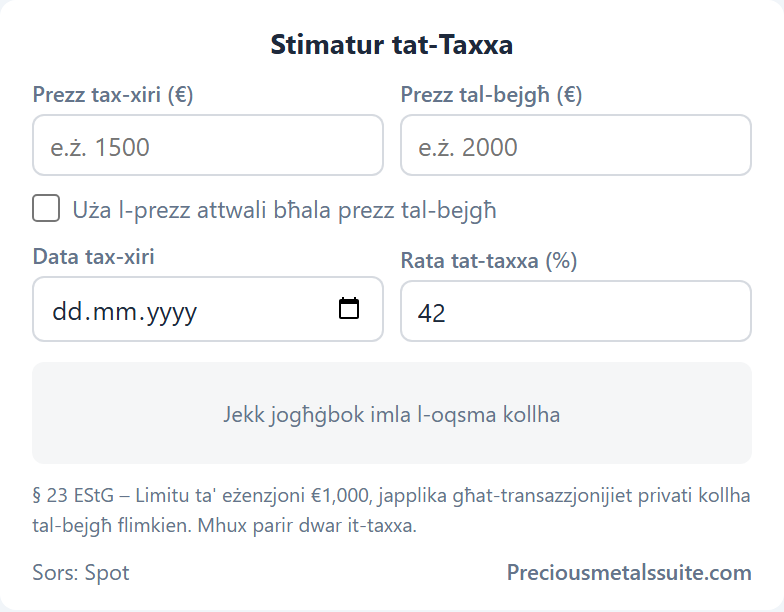
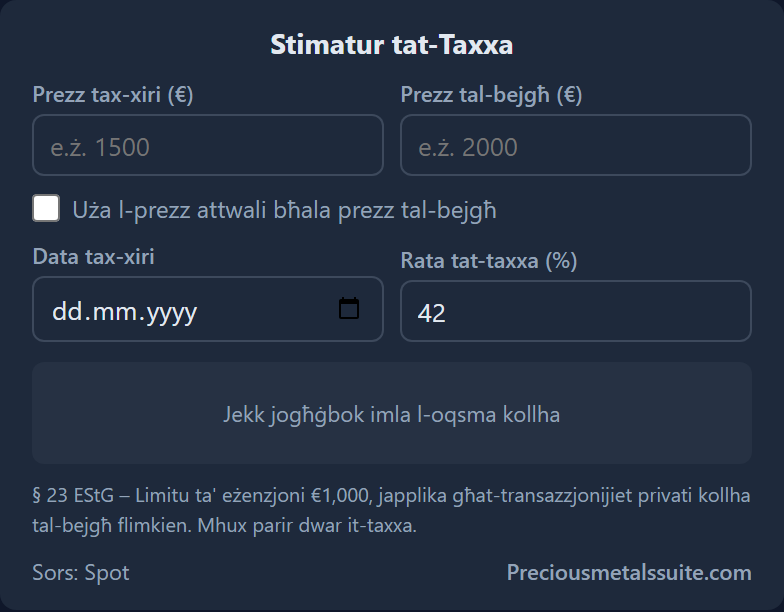
- Default tax rate (%)
- Show/hide metal selector for current price
Alloys
Fineness and material value of alloys (333 to 999.9).
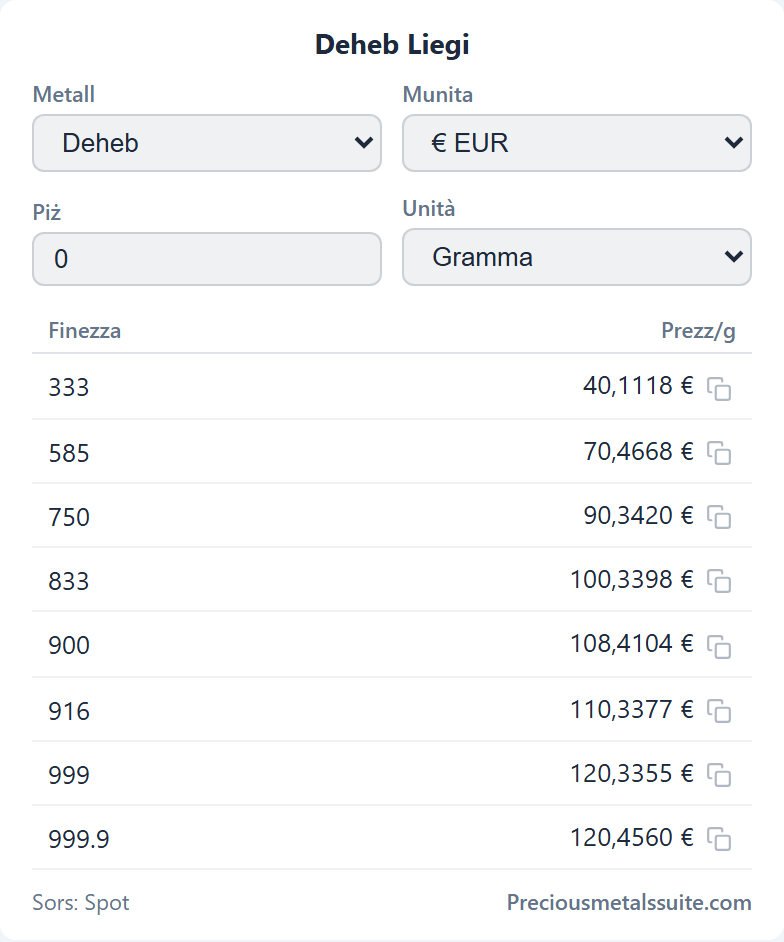
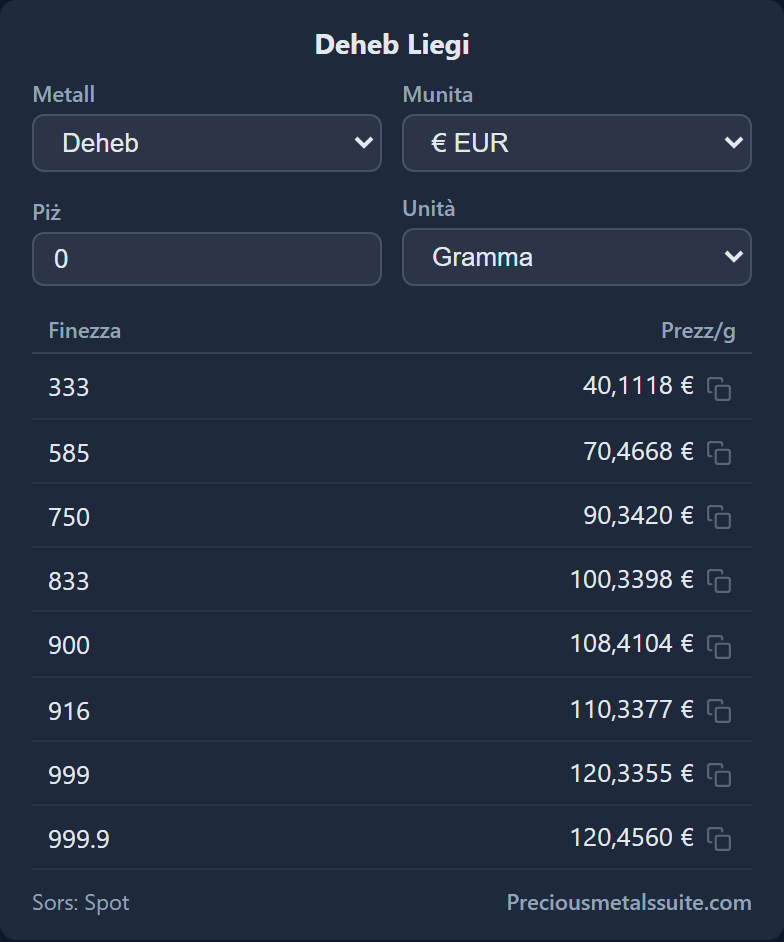
- Defaults: weight, unit
- Show/hide carat column
- Selectors: metal, currency, unit
Coin Weight
Checks the weight of over 130 bullion coins against the target weight.
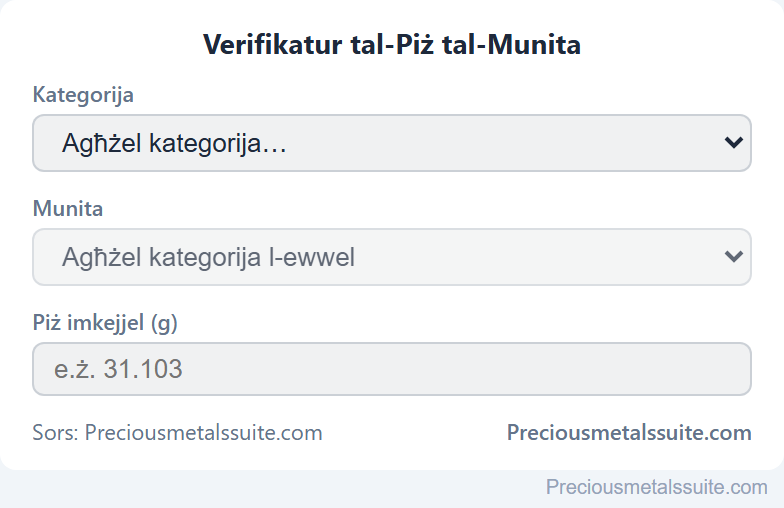
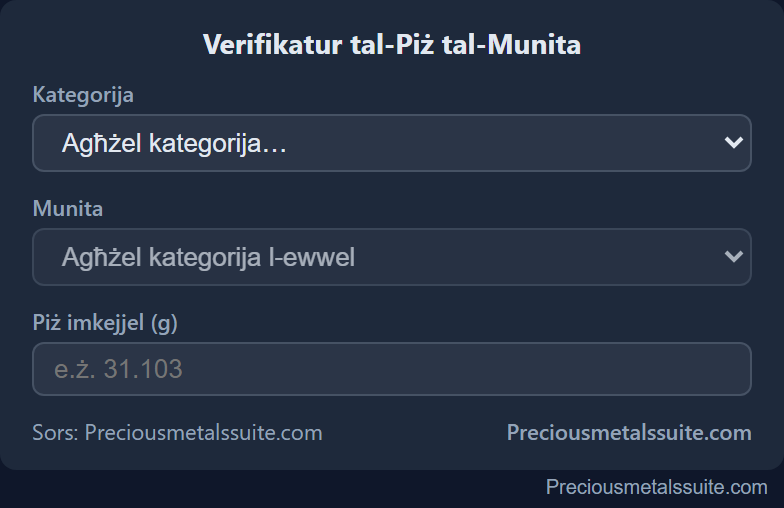
- Uses global settings: heading, source, help, design
Savings Plan Calculator
Simulates a monthly savings plan (cost averaging).
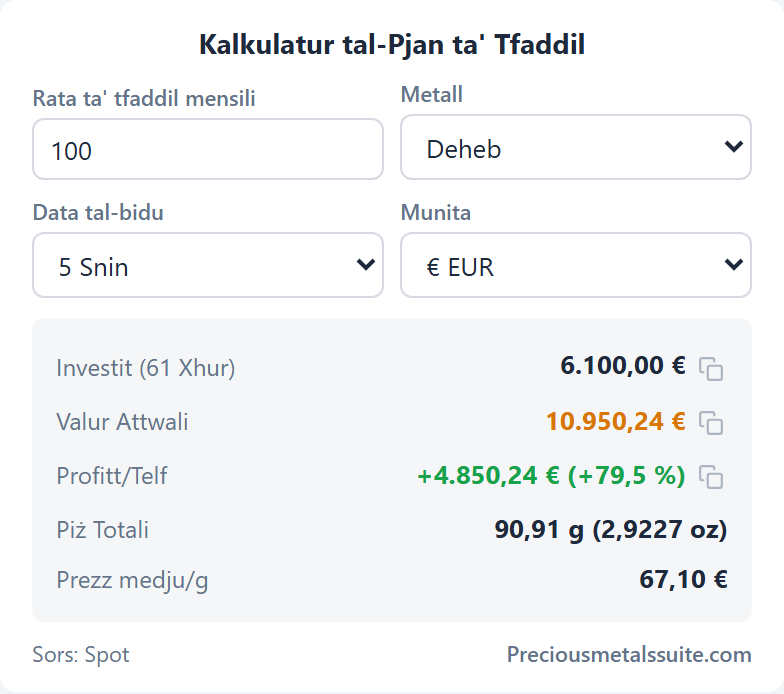
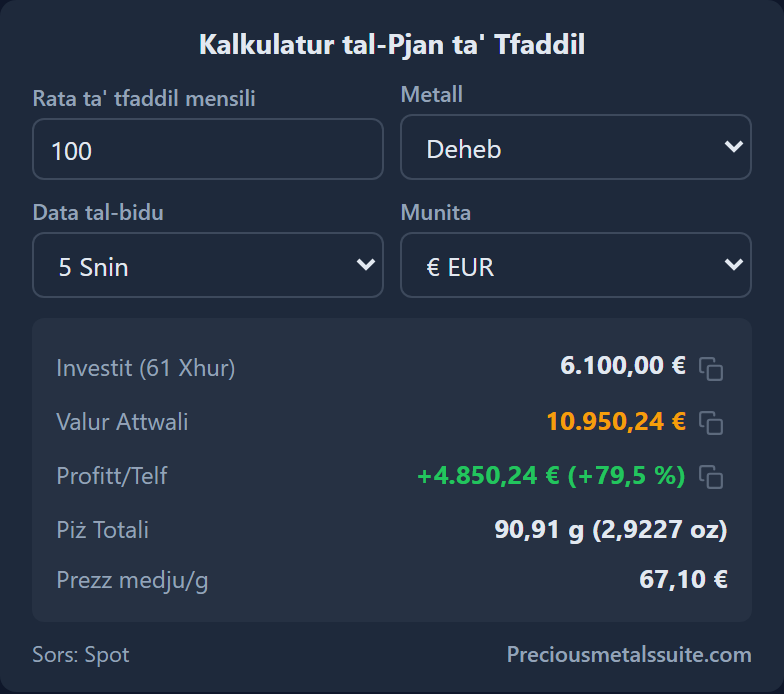
- Defaults: savings rate, duration (1–20 years / max)
- Selectors: metal, currency
- Price source: spot or LBMA
Start free without an account (3 modules) — or get Standard/Plus in your account for all 16 modules.
Create the desired module in the widget configurator — choose metals, currency, theme and colours with a live preview.
Assign the module to the desired integration — Desktop, Mobile or Browser.
In Office (Excel, Word & PowerPoint) there are no assignable modules — instead, you insert prices, tables and charts directly via dedicated functions.
Frequently asked questions
In the desktop app, the mobile app and the browser extension. In Office (Excel, Word, PowerPoint) prices appear as tables and charts.
You can create each module as many times as you like with individual settings and assign it to the desired integration — Desktop, Mobile or Browser.
Yes. Choose between light, dark or "custom colours" with six freely selectable tones: background, text, accent, muted, positive green and negative red.
No. The modules load their data directly from our infrastructure in Germany, without cookies and without tracking.
The Free plan includes three modules; Standard or Plus unlock all 16. Copy the licence key from your account into the respective app.
Your account works everywhere — desktop, mobile, Office and browser. Start free, upgrade any time.
Start free · full access from 1,67 € / month (billed yearly)